
Updated
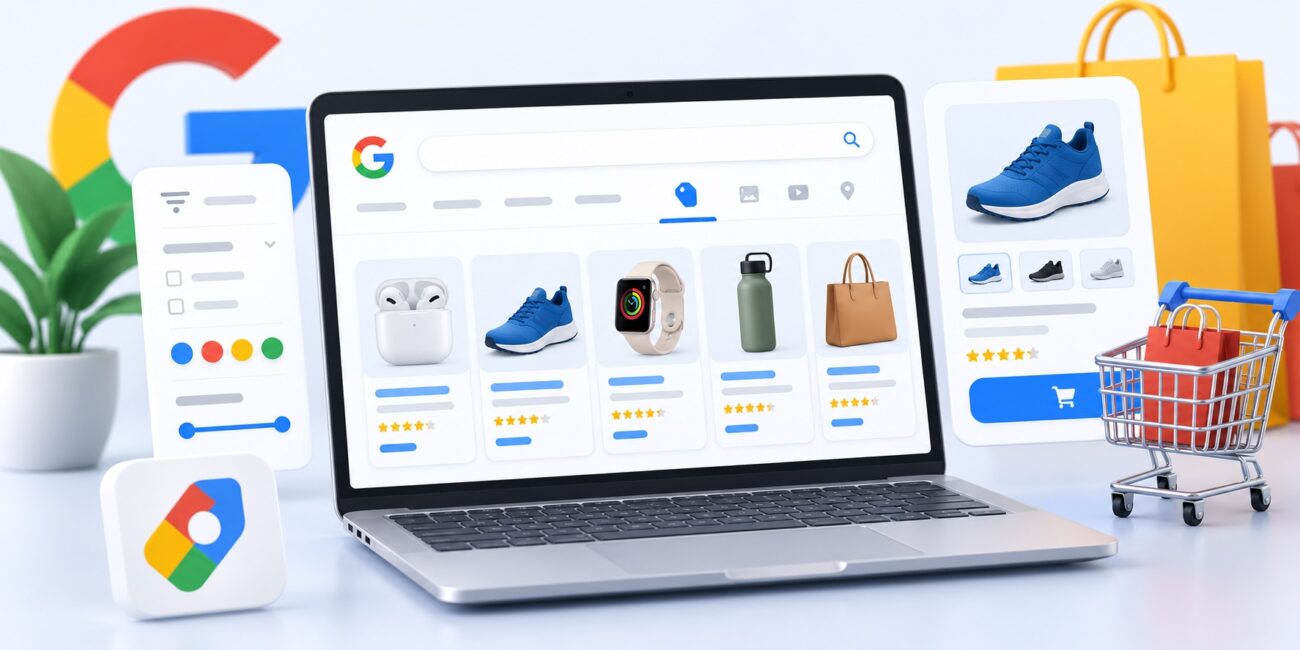
Google Shopping shows product ads with an image, price, store name and often ratings directly in Google Search and the Shopping tab. For online stores it is one of the most important channels in Google Ads, because people see the product before they click.
How does Google Shopping work?
Unlike search ads, you do not bid on keywords. Google matches searches with the data in your product feed: titles, descriptions, categories and attributes. The feed is uploaded to Google Merchant Center, where it is reviewed.
What do you need to get started?
- A Google Merchant Center account with a verified domain
- A product feed from your store platform, such as Shopify, WooCommerce or Shopware
- Clear shipping, returns and pricing information
- A linked Google Ads account and working conversion tracking
Free listings and paid ads
Products can appear for free in the Shopping results. The prominent spots above the search results, however, are only available through Standard Shopping or Performance Max campaigns.
Getting more out of Shopping
- Write product titles with brand, product type and key attributes such as size or material
- Use high quality images without promotional overlays
- Structure campaigns by margin and best sellers
- Measure success by ROAS, not clicks
Digitalman manages Shopping and Performance Max campaigns for online stores. Learn more on our Google Ads agency page.
For online stores we set up Google Shopping as part of our ecommerce marketing.
Further reading: How to optimise Performance Max.
Digitalman can help
Want Google Ads to bring you leads, not just clicks?
We set up and manage Search, Performance Max, Shopping and YouTube campaigns so you can see the results in revenue. The first 60 minutes of consultation are free.